How to Use a Smart Plug to Control Your TV or Geyser

Smart Plug to Control Your TV or Geyser – TechWithNK

What Is a Smart Plug and How Does It Work?

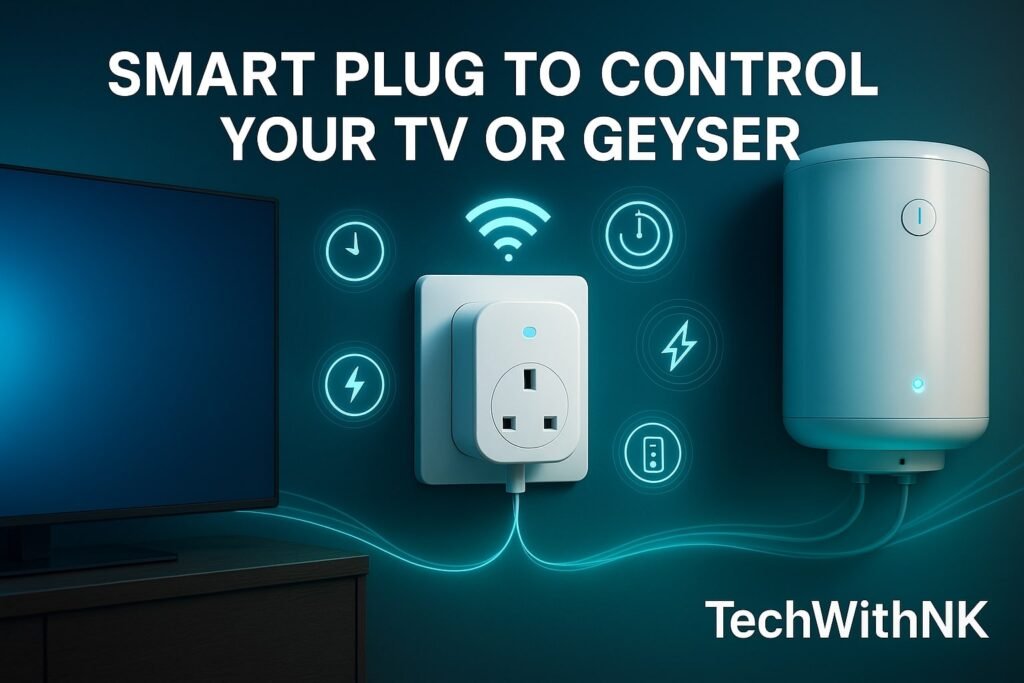
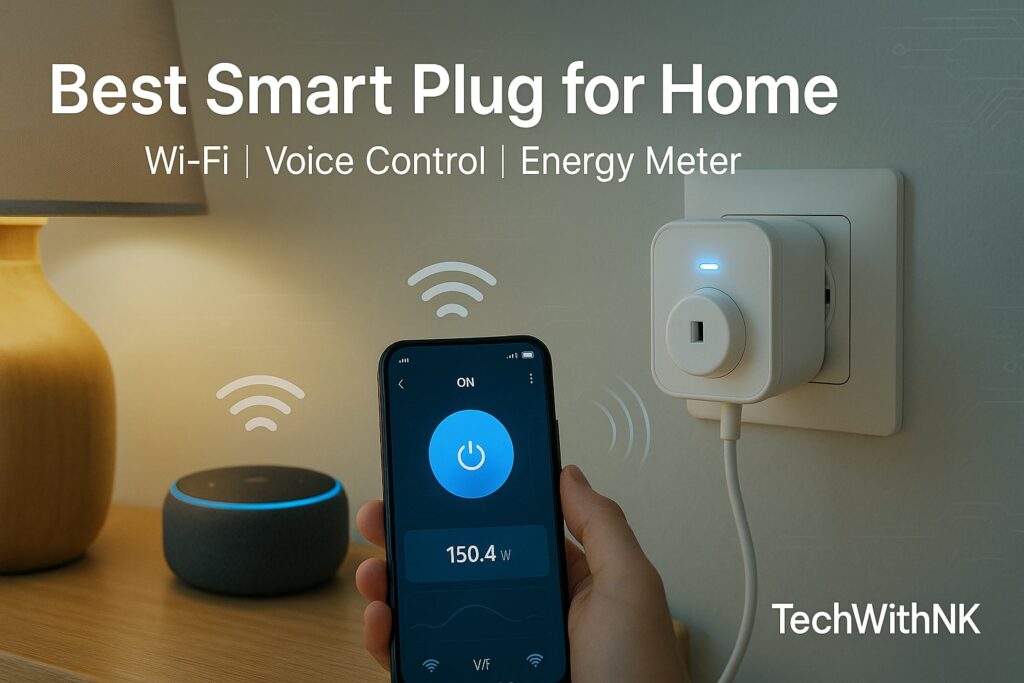
A smart plug is a Wi-Fi-enabled adapter that fits into your regular wall socket. Once connected, it lets you:

  • Turn appliances ON/OFF via mobile app

  • Set daily timers

  • Monitor power consumption

  • Control devices using Alexa or Google Assistant

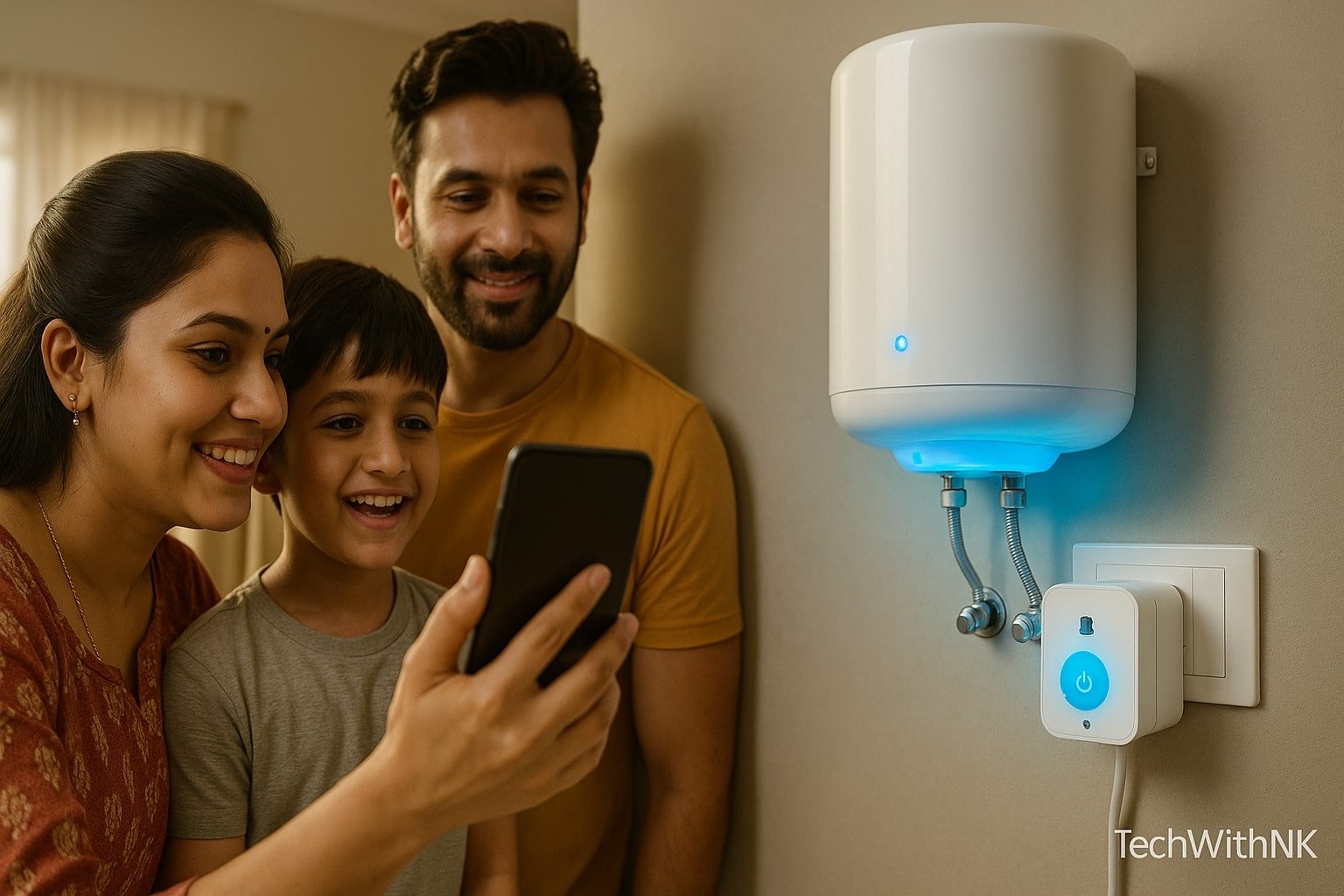
Whether you use a smart plug for TV or a smart plug for geyser, the working process remains the same—your phone becomes the remote.

Smart Plug to Control Your TV or Geyser – TechWithNK

Why Use a Smart Plug for TV or Geyser?

Using a Smart Plug to Control Your TV or Geyser has multiple benefits:

1. Saves Electricity

  • Your geyser consumes 1–2 units per hour.

  • Using timers prevents overheating and unnecessary running.

  • Turning off your TV completely saves standby consumption.

2. Full Remote Control

You can turn your geyser on before waking up or switch your TV off after leaving home.

3. Automation & Scheduling

Set automatic ON/OFF schedules—perfect for daily routines.

4. Energy Tracking

A smart plug with energy monitoring helps you know exactly how much your geyser or TV is consuming.

IMPORTANT: Choosing the Right Smart Plug

Different devices require different plug ratings.

✔ For TV

Use a 10A Smart Plug (safe and recommended).
TVs consume low power and work smoothly with 10A plugs.

✔ For Geyser

You MUST use a 16A Smart Plug because geysers consume high power:

  • 1L – 2000W

  • 2L – 3000W

Never use a 10A plug for geysers.

Popular options:

  • Wipro 16A Smart Plug

  • Topo 16A Smart Plug

  • Havells 16A Smart Plug

Smart Plug to Control Your TV or Geyser – TechWithNK

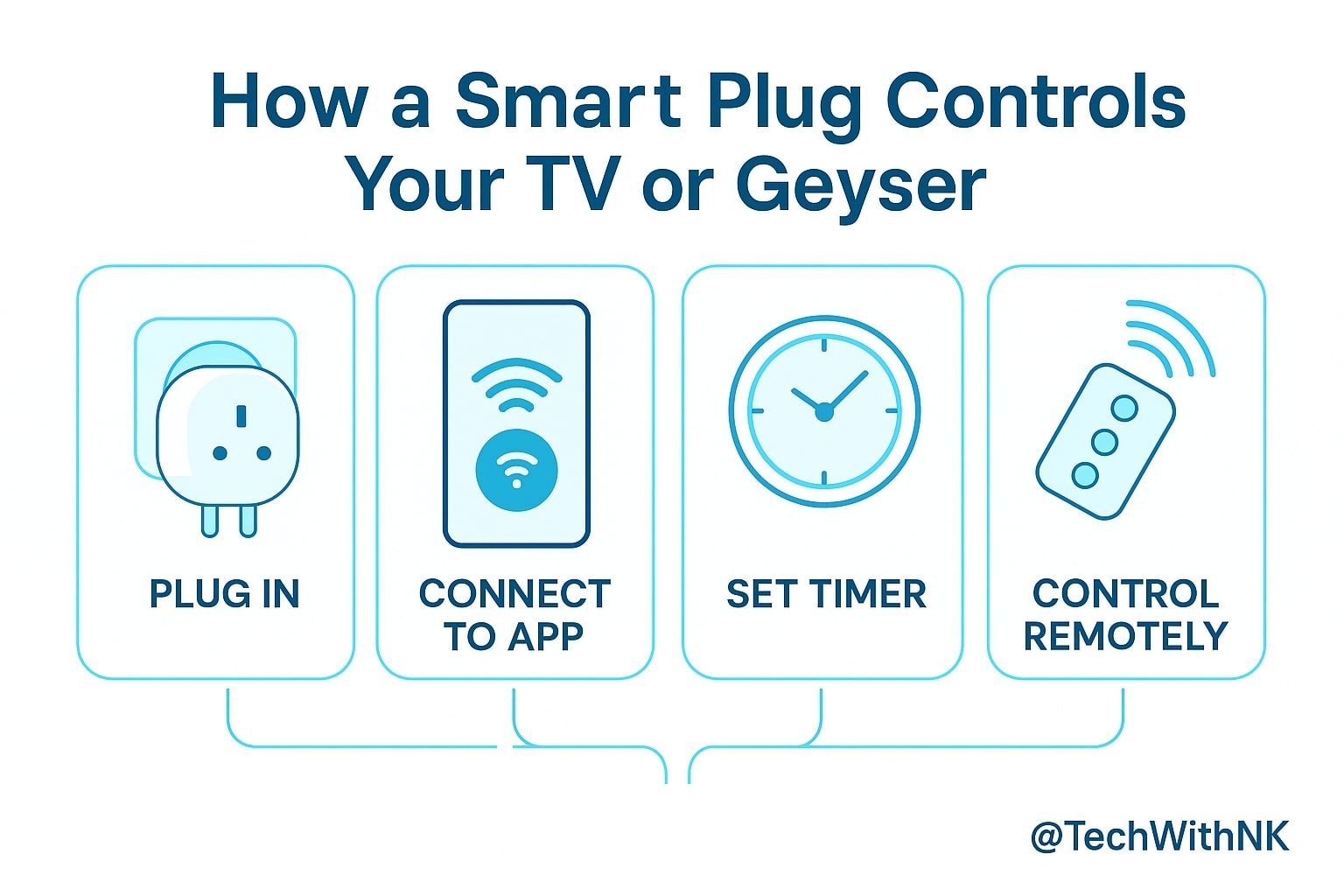
How to Use a Smart Plug to Control Your TV or Geyser

Follow these simple steps:

Step 1: Plug the Smart Plug into the Socket

Insert the smart plug into the wall socket where your TV or geyser switch is located.


Step 2: Connect the Appliance

  • Connect your TV plug or geyser plug to the smart plug.

  • Keep the switch turned ON.


Step 3: Install the App

Download the companion app (based on brand):

  • Wipro Next Smart Home

  • Realme Link

  • Zeb-Home App

  • TP-Link Tapo

  • Alexa App / Google Home (optional)


Step 4: Connect Wi-Fi

  • Open the app

  • Add new device

  • Select “Smart Plug”

  • Connect to your home Wi-Fi (2.4 GHz only)

Once connected, the smart plug appears on your dashboard.


Step 5: Control From Your Smartphone

You can now:

  • Turn ON/OFF instantly

  • Set timers

  • Use voice commands

  • Monitor energy usage

This is where a Smart Plug to Control Your TV or Geyser becomes extremely useful.

Smart Plug Automation Ideas

For Geyser Automation

Morning Routine:

  • Turn ON at 6:30 AM

  • Turn OFF at 6:50 AM

🔥 Saves 30–40% electricity every month.

Evening Routine:

  • ON at 7:00 PM

  • OFF at 7:20 PM


For TV Automation

📵 Child Lock / Study Time

  • Auto OFF at 6 PM

  • Auto ON at 8 PM

♻️ Standby Power Savings
Turn OFF fully at night to avoid phantom power.

🎮 Gaming Control
Limit TV usage to prevent overuse.

Is It Safe to Use Smart Plug for Geyser?

Yes, if:
✔ You use a 16A smart plug
✔ Your wiring supports 16A load
✔ The socket is in good condition
✔ The plug has overload protection

Never use cheap local plugs.

Conclusion

Using a Smart Plug to Control Your TV or Geyser is one of the smartest ways to automate your home, save electricity, and make everyday life easier. With proper setup, you can enjoy remote control, automation, safety features, and energy insights—all from your mobile phone.

Smart plugs are affordable, safe, and extremely convenient for Indian homes.

Leave a Comment

Your email address will not be published. Required fields are marked *

Scroll to Top